Free AI background remover for portraits and people photos
Upload a selfie or portrait, get a transparent PNG of the person. No account. The file is processed to delete the background, then discarded within 24 hours.
- Free, no-signup
- No watermark on the download
- One image at a time
How to Remove a Background from a Portrait in 3 Steps
Upload the photo
Drop it on the tool, paste it, or click to pick a file. JPG, PNG, WebP, GIF, AVIF and BMP are accepted.
The model isolates the person
It finds the subject and separates them from whatever is behind. You do not paint a mask. One photo per run.
Preview, then download
Check the checkerboard, then save. Output is a flattened PNG.
Who Uses a Free AI Background Remover?
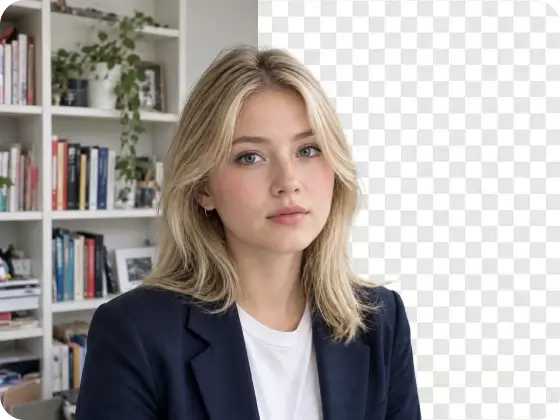
For a Messy Room Behind You
The face is usable. The kitchen, bedroom or cafe is why the photo never gets posted. Delete the room. Keep the person who was already in it.
- ✓Lose shelves, laundry, or a dirty counter without a reshoot
- ✓Keep the lighting and expression you already captured
- ✓Walk away with the person isolated from the interior
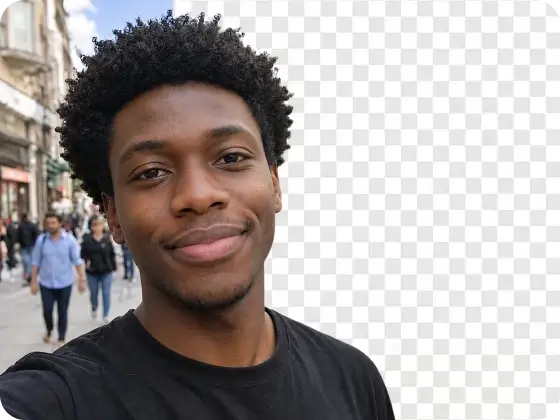
For a Busy Street or Crowd
A sidewalk selfie with strangers, poles and traffic in the back. Outdoor clutter is its own mess - extras, signage, a crosswalk. Output is still just the person.
- ✓Strip a park, crosswalk or sidewalk out of the frame
- ✓Drop the extras walking through your shot
- ✓Keep the outdoor light on the face
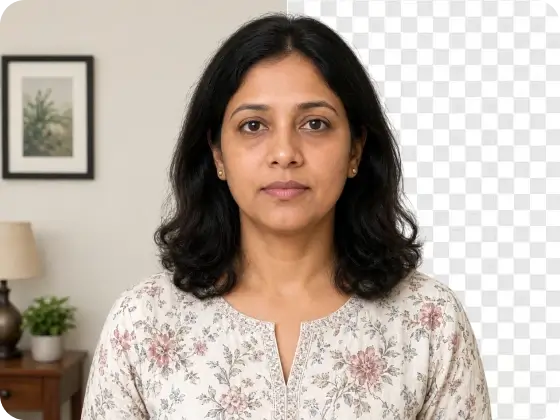
For a Photo You Already Like
The shot is already the one. You are not booking a studio and you are not waiting for a blank wall. You need the existing backdrop gone so the photo can actually be used.
- ✓Skip a reshoot because of the wall behind you
- ✓Keep the clothes, pose and skin as they are
- ✓Treat the download as the original person, cut out
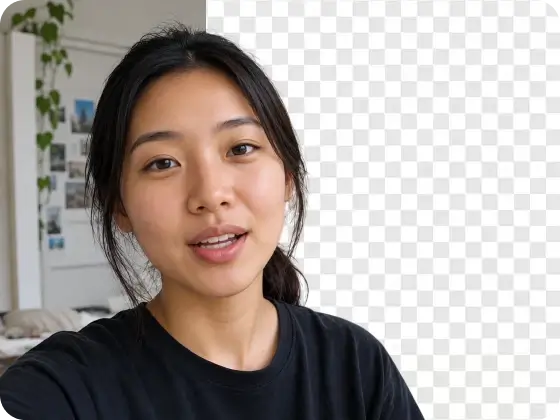
Remove backgrounds from video
This page cuts a still. A talking-head, a selfie clip, a person walking through a room - that file is not a PNG. The PFPMaker AI app strips the background across frames. No green screen.
- ✓Upload an MP4 instead of a photo
- ✓Keep the person; lose the room behind the clip
- ✓This landing stays a still-image cutout
Hair and glasses are where a cutout lives or dies
A person-shaped blob with a chewed hairline is not a usable cutout. The edge that matters on a portrait is stray hair against a window, a glasses rim, an ear. That is the job this page is built for - not a product on a table.
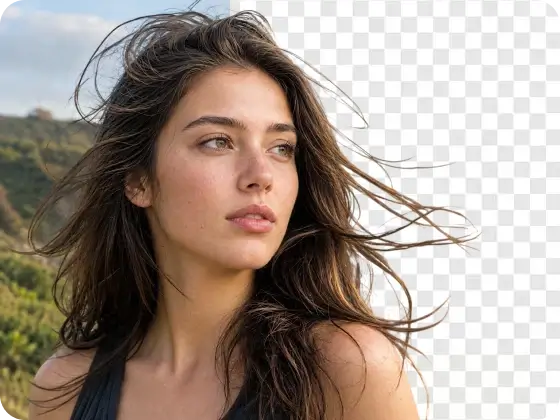
What you actually get
No watermark
The PNG does not have a logo burned into the corner. What you download is the cutout.
People, not catalogs
This URL is for a person in a photo. It is not a product-listing pipeline, a bulk ZIP, or an API.
No account needed
Open the page, upload, download. There is no signup wall and no email gate.
One PNG out
You get the person on transparency. You do not get a color picker, a studio backdrop, or a generated scene.
Phone and desktop
iPhone, Android, laptop. Paste from camera roll or upload. No app store install.
No HD paywall
The download is the cutout. There is no preview-then-pay upsell for a larger file.
Crop the cutout to the shape you need
The file is one transparent PNG. These are the common crops after you download - the tool does not export four files.
Square
Face-forward crop of the cutout
Portrait
Keeps shoulders under the face
Vertical
Full-length person, background already gone
Wide
Wider people shot, same transparent edge
Frequently Asked Questions
What is an AI background remover?


An AI background remover is software that finds the subject in a photo and deletes everything else, leaving a transparent PNG. You upload; you do not trace a lasso. On this page the subject is a person - a selfie or portrait - not a product catalog.
How do I remove the background from a photo for free?
Does this work on portraits and selfies?
Will it keep my hair and flyaways?
Can I replace the background with a new color or photo?
Can I remove the background from a video?
Is this different from asking ChatGPT to remove the background?
Is my photo private?
What image formats are supported?
Does it work on my phone?
Do I need Photoshop or a green screen?