LinkedIn Profile Picture Maker

Real photo, not AI-labeled on LinkedIn
Free, no signup, download in seconds
Sized & styled for LinkedIn
Upload a real selfie. We clean the background, sharpen the photo, and give you a professional LinkedIn profile picture - without the AI label LinkedIn applies to fully AI-generated headshots.



Make a LinkedIn profile picture in 3 steps
- 1Upload your selfie
Use a clear, front-facing photo with your head and shoulders in frame.
- 2Wait about 15 seconds
We clean up the background and give the photo a professional finish.
- 3Download and update LinkedIn
Save it for free - no account needed - then add it to your LinkedIn profile.


Why the photo matters on LinkedIn
- Profile views
- 21timesmore with a good photo
- Connection requests
- 9timesmore with a good photo
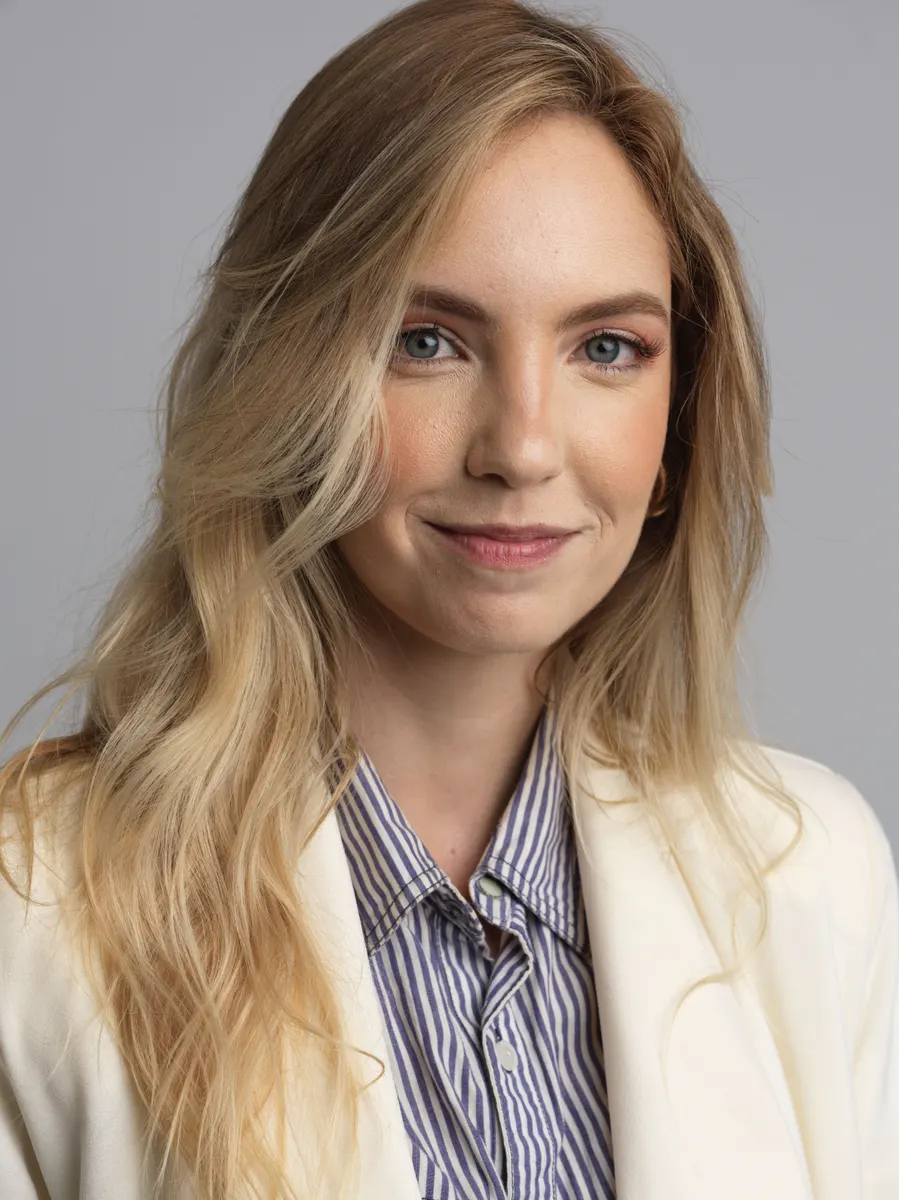
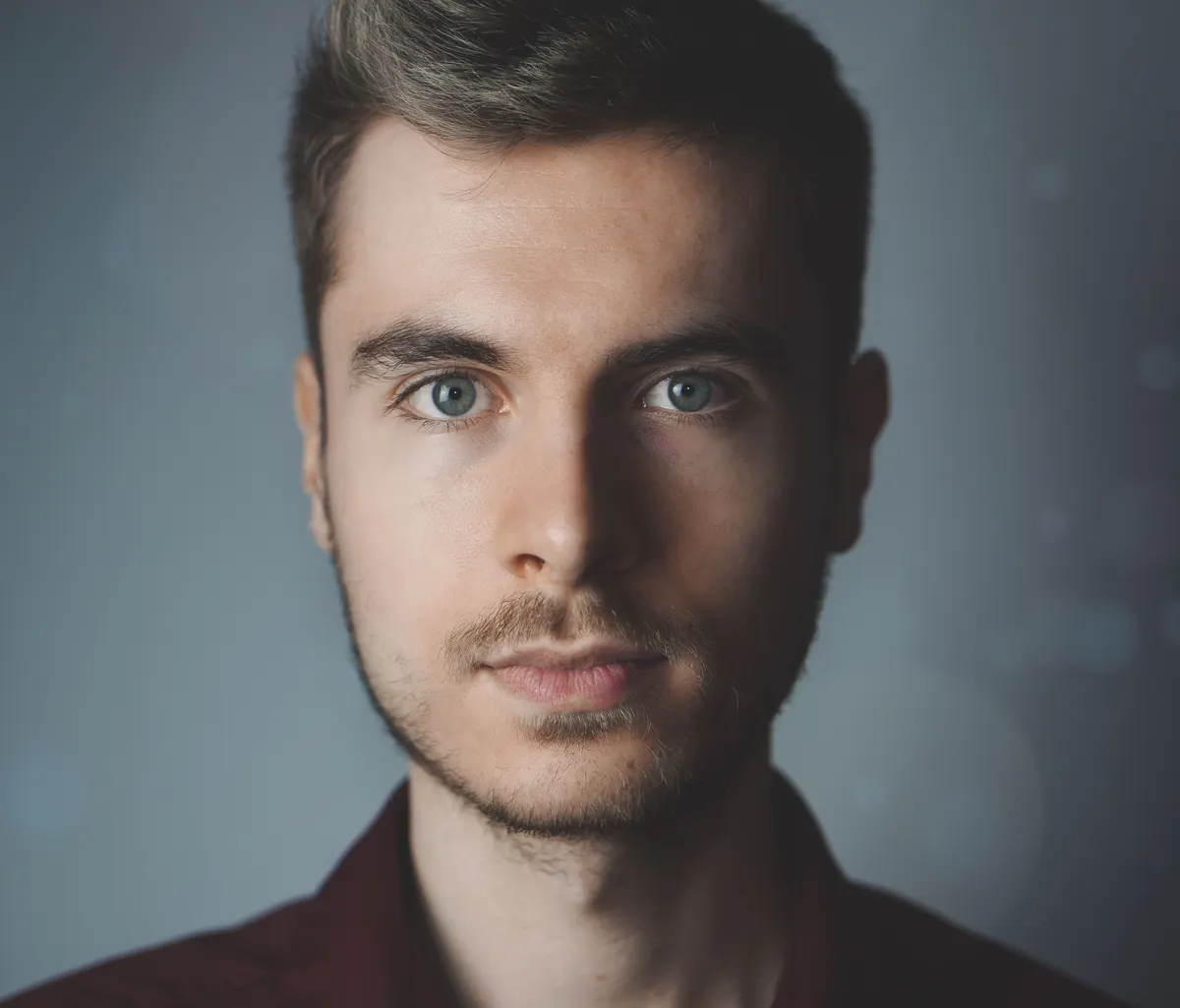
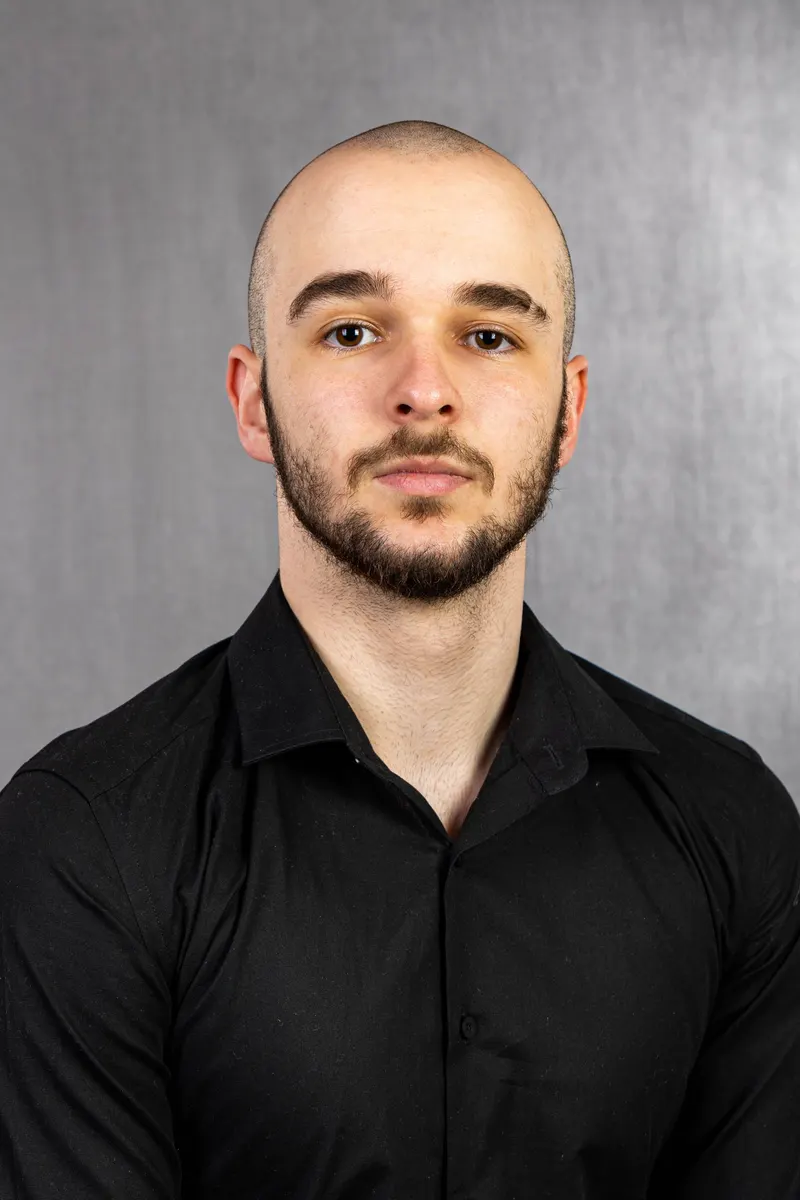
Examples of good LinkedIn profile pictures
Sharp focus, friendly expression, professional clothing, background that doesn’t compete. Messy selfie → polished head-and-shoulders is exactly this maker.



How this LinkedIn photo stays unlabeled
LinkedIn can show a Content Credentials (CR) badge on photos that are fully AI-generated. This free tool enhances your real selfie — background cleanup, sharpening, professional styles — so the result stays your photo, not an AI headshot.
This free maker
LinkedIn CR badgeNo
- Your real faceYes - enhanced selfie
- Cost / signupFree · no signup


AI headshot generators
LinkedIn CR badgeOften yes
- Your real faceAI-created likeness
- Cost / signupUsually paid / account

Raw phone selfie
LinkedIn CR badgeNo
- Your real faceYes
- Cost / signupFree - messy bg

Built for LinkedIn - not a generic photo editor
Remove the background, replace it, apply LinkedIn-safe filters, crop, and add a frame - same tools professionals use inside PFPMaker.
Remove background
Upload a selfie and we cut you out automatically - messy room, kitchen, car, gone. Your real face stays.
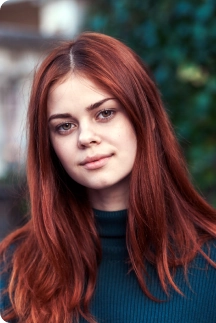
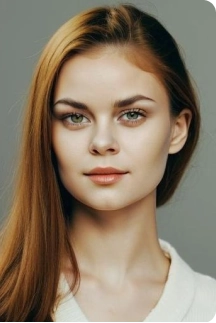
Tips for a professional LinkedIn profile picture
Same rules whether you call it a LinkedIn headshot or a professional photo for LinkedIn: light, expression, attire, crop, background.
- Eyes to camera
Soft, genuine expression - not a stiff passport stare.
- Even light
Face a window; avoid hard shadows across one side of the face.
- Head & shoulders
Face ~60% of the crop; don’t cut the top of your head.
- Role-fit attire
Dress like the interview or client meeting for your industry.
- Quiet background
Or replace it with this tool - clutter kills first impressions.


LinkedIn profile picture background
A messy room is the fastest way to look unprofessional. Remove it, pick a clean backdrop, download - recruiters see you, not the laundry.
Works
- Solid neutrals (gray, muted blue, beige)
- Soft bokeh behind the subject
- Simple office / studio backdrops
- One brand color if your company uses it

Avoid
- Cluttered rooms, kitchens, outside
- Busy patterns, neon, party scenes
- Other people in the frame
- Filters that warp skin tone
LinkedIn profile picture size & specs
LinkedIn shows your photo as a circle. Upload square-friendly, sharp images - minimum 400 × 400 px (larger is better). Keep your face centered and filling about 60% of the frame.
Face in frame
~60% of the crop
 60%face
Minimum size
400×400 pixels
400 px400 pxmin
- Real photo, cleaned up
Background removed and replaced - your face stays yours
- 30 professional styles
Solid colors, soft bokeh, office-ready backdrops
- No AI label path
Enhanced real photos - unlike fully AI-generated headshots
- Free, no signup
Upload, download, update LinkedIn - no account required


LinkedIn profile picture FAQ
Does a LinkedIn profile picture really matter?


Yes. LinkedIn reports that members with a profile photo get up to 21× more profile views and 9× more connection requests than those without. LinkedIn also recommends a minimum of 400 × 400 pixels with your face filling about 60% of the frame.
Will LinkedIn AI-label a photo from this tool?
What is the best LinkedIn profile picture size?
What makes a good professional LinkedIn photo?
Is the LinkedIn profile picture maker really free?
Do I need to sign up?
Is a LinkedIn headshot the same as a LinkedIn profile picture?
What's the difference between this and the AI Headshot Generator?
How do I change my LinkedIn profile picture after downloading?
What background is best for a LinkedIn profile picture?
What photo should I upload?
What happens to my photo after I upload it?
blog
How AI can improve your profile picture
Upload your photo to create a professional-looking profile picture and a matching background cover


